pytrail
A lightweight Python module for finding movie trailers by title, without manually searching across services.
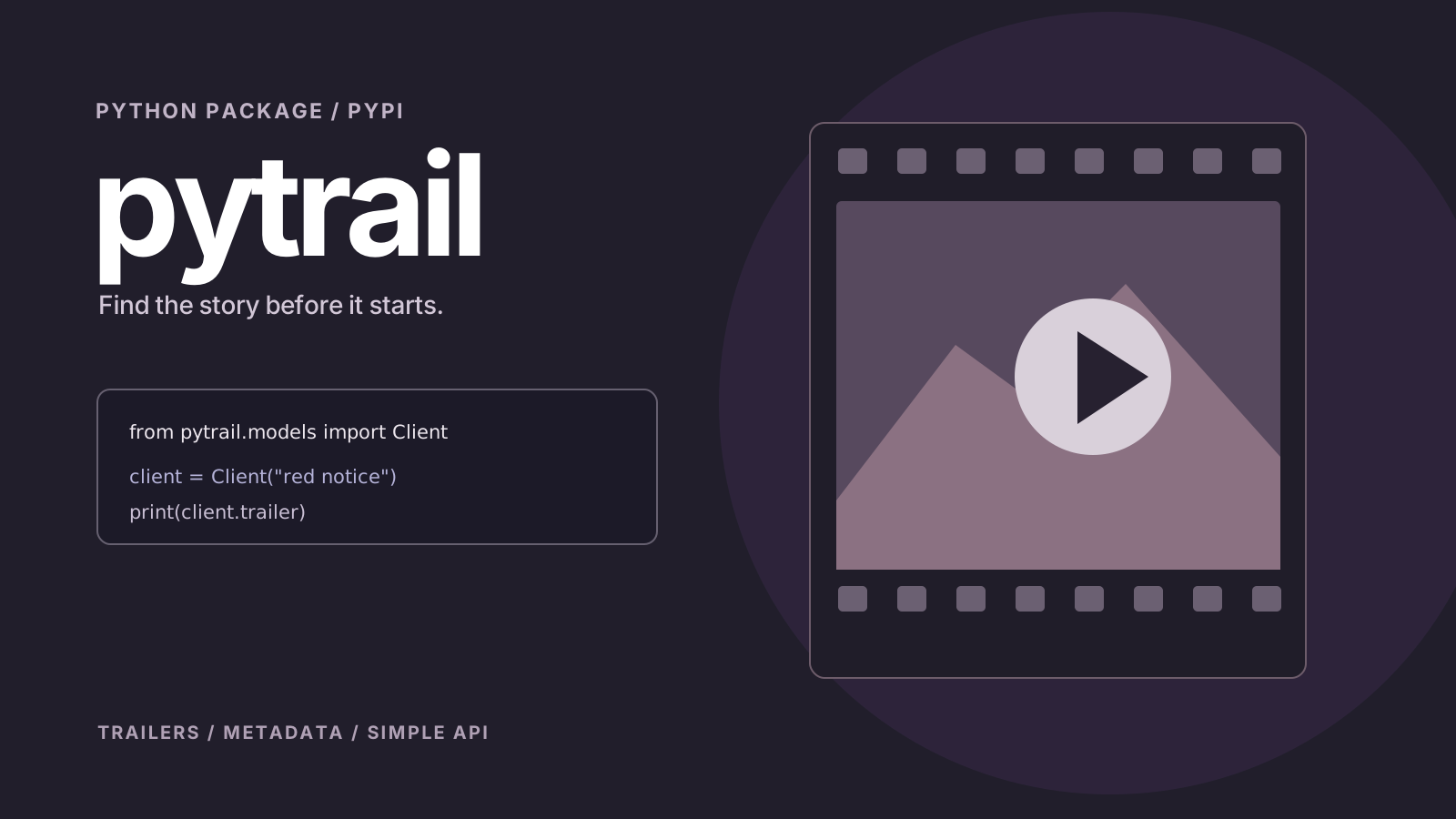
Concept artwork created for this portfolio; not a product screenshot or live dashboard.
What it's about.
pytrail reduces trailer lookup to a small, developer-friendly API. Instead of making people manually search movie pages and trailer providers, it provides a Python interface for retrieving a trailer associated with a movie title.
The package is available through PyPI and uses external movie data sources and APIs to resolve trailer information. Its core design prioritises a short setup and a small amount of application code.
Made to do more.
Key functions described in the project documentation and portfolio.
Title-based search
Accepts a movie title through the Client interface.
Trailer retrieval
Exposes the resolved trailer URL through a simple property.
Package distribution
Can be installed using pip from PyPI.
App integration
Designed to be used inside movie-related scripts, websites, and applications.
Under the hood.
Technical approach
The public API documented in the README is intentionally small: import Client from pytrail.models, initialise it with a movie title, and read the trailer property.
As with other API-backed integrations, the quality and availability of results depend on the external information providers. The README does not establish any service-level guarantees.
pip install pytrail

# Python
from pytrail.models import Client
client = Client("red notice")
print(client.trailer)
Consult the repository README for complete setup instructions, requirements, and platform-specific notes.
Worth noting: Trailer results depend on external movie databases and APIs and can change over time.
Project focus
- Python
- PyPI
- External APIs
- Movie data
Find the project
Source code, full documentation, updates and contribution guidelines are available on GitHub.