trackr
A real-time metro status dashboard that turns everyday transit information into a simpler, more useful experience.
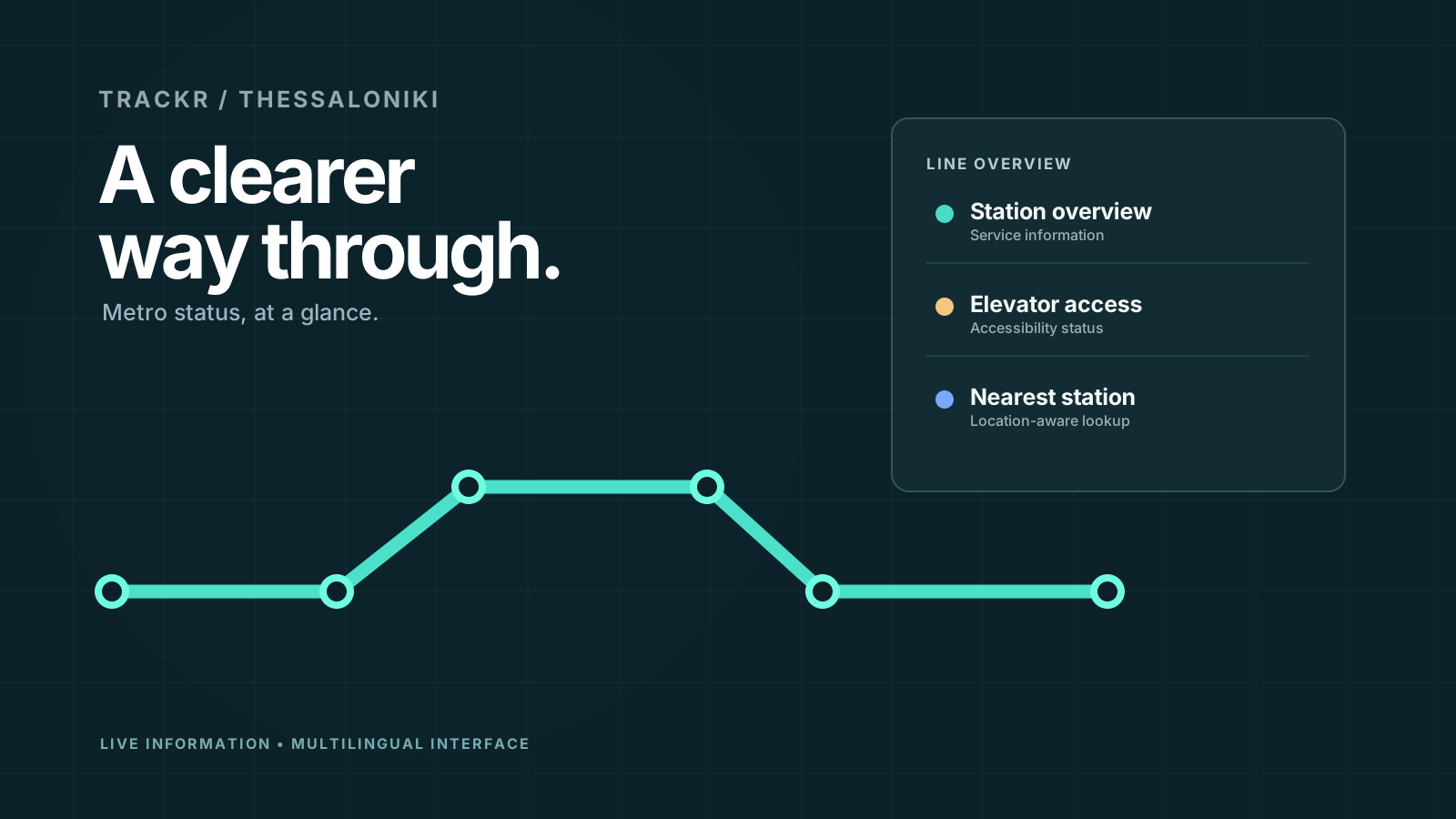
Concept artwork created for this portfolio; not a product screenshot or live dashboard.
What it's about.
Public transit information is most valuable when it's quick to understand. trackr is a web-based dashboard built around one simple purpose: helping people check the operational status of the Thessaloniki Metro without digging through multiple sources.
The interface presents station availability, elevator conditions, and—when the visitor permits location access—the nearest metro station. It also supports multiple languages, making the information easier to access for a wider audience.
Made to do more.
Key functions described in the project documentation and portfolio.
Station visibility
Displays which metro stations are currently open or closed.
Elevator information
Shows the operational status of elevators at each station.
Nearest-station lookup
Can identify the closest station when the visitor enables geolocation.
Dynamic updates
Updates the status information and uses clear visual indicators to convey service conditions.
Under the hood.
Technical approach
The repository describes a Python-driven local web interface, started with interface.py and viewed in a browser at 127.0.0.1. The experience combines dynamic transit information with optional browser geolocation and multilingual presentation.
It is a compact example of making a data-heavy interface feel approachable: prioritising key status information, readable states, and the shortest path to a decision.
git clone https://github.com/new92/trackr
cd trackr
python -m pip install -r requirements.txt
python3 interface.py
Consult the repository README for complete setup instructions, requirements, and platform-specific notes.
Worth noting: The dashboard is documented as a local application. Station and elevator information depend on the underlying data source; the illustration above is not a live status feed.
Project focus
- Python
- Web dashboard
- Geolocation
- Accessibility
Find the project
Source code, full documentation, updates and contribution guidelines are available on GitHub.